

Postbacks are currently in private beta and are only available for select
partners. Contact us to get access.
- Syncing leads to your CRM when someone signs up through your referral link
- Updating your internal dashboards when commissions are created
- Building custom attribution tools that react to lead, sale, and commission events in real time
Creating a postback
To create a postback for your partner account, you’ll need to follow these steps: Navigate to the Postbacks page in your Dub partner profile. Click on Add Postback to create a new postback.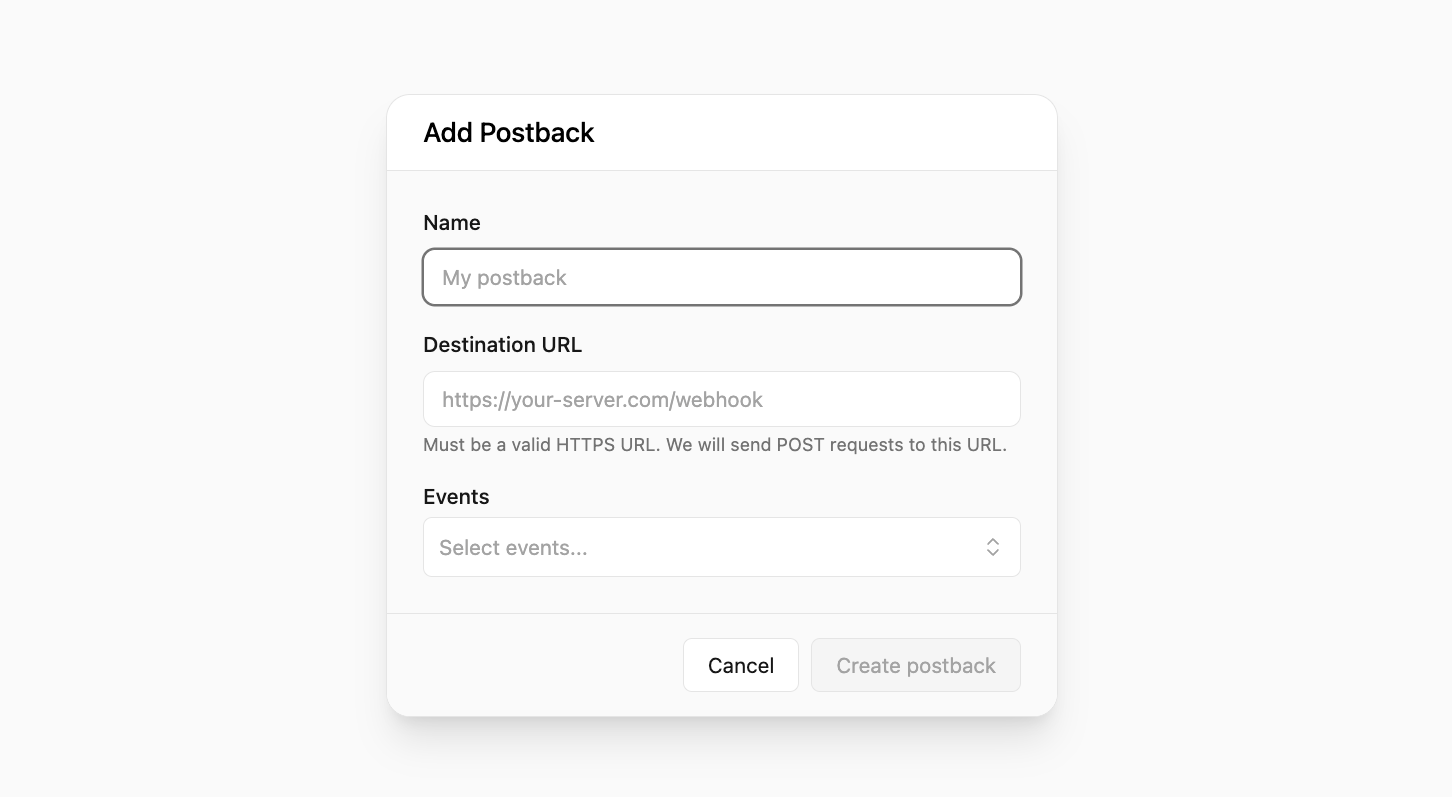
- Name: Give your postback a name that helps you identify it.
- URL: Enter the URL of the endpoint where you want to send the postback. We recommend using webhook.site to test your postback.
- Triggers: Select the events you want to listen to. You can select multiple events. Refer to the Event Types section to see the list of available events.
Viewing postback event logs
We also provide you with a postback event logs page where you can view all the postback events that have been sent to your endpoint in real-time. To view the postback event logs, select the postback from the Postbacks page and click on the postback to open its details page. Here, you’ll see a list of all the postback events that have been sent to your endpoint: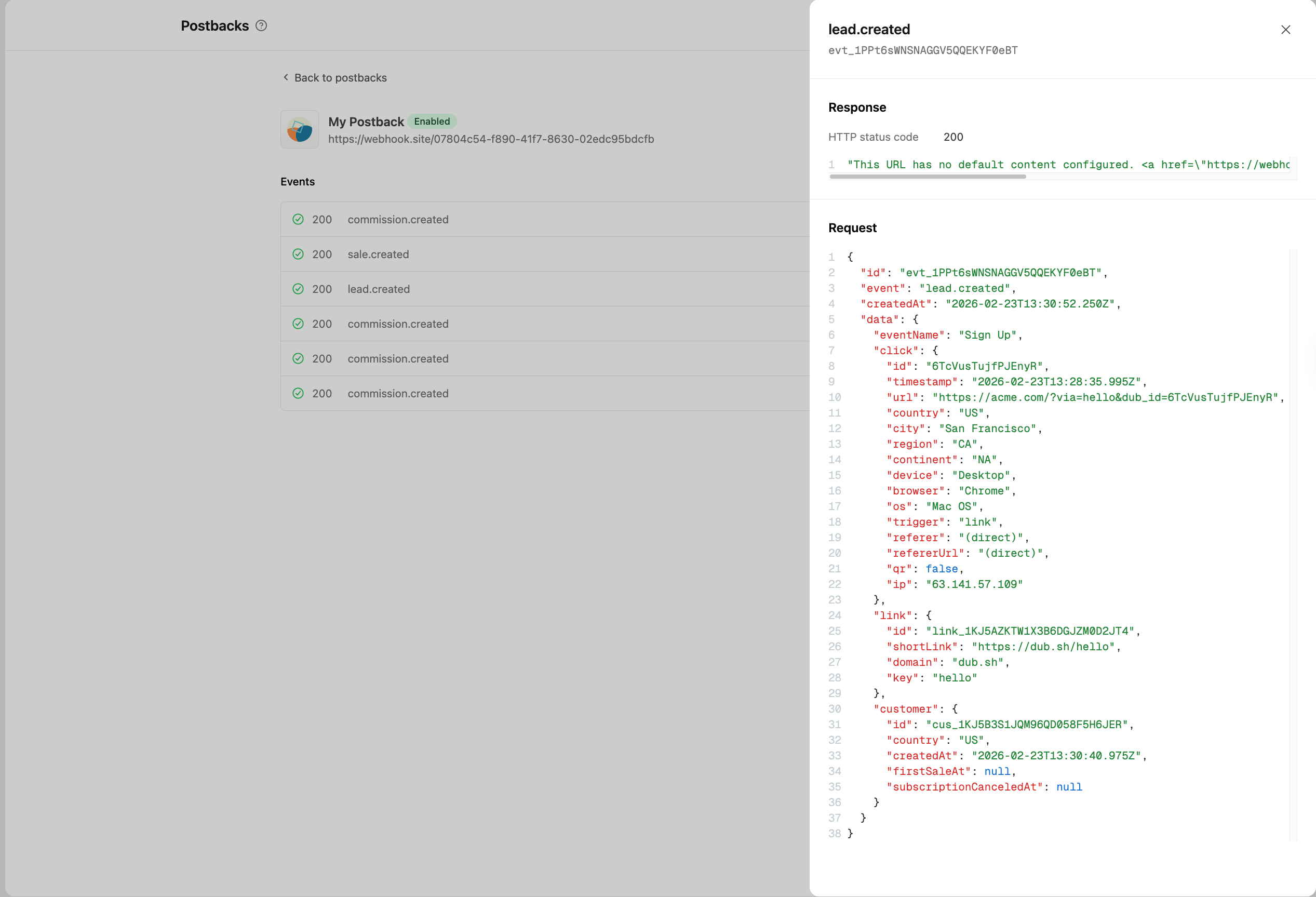
Sending test events
You can send test events to your postback URL to ensure that it’s working correctly. To do this:1
Go to the postback details page
Navigate to the Postbacks page and select the postback you want to test.Click on the postback to open the postback details page.
2
Open the test event modal
Select the 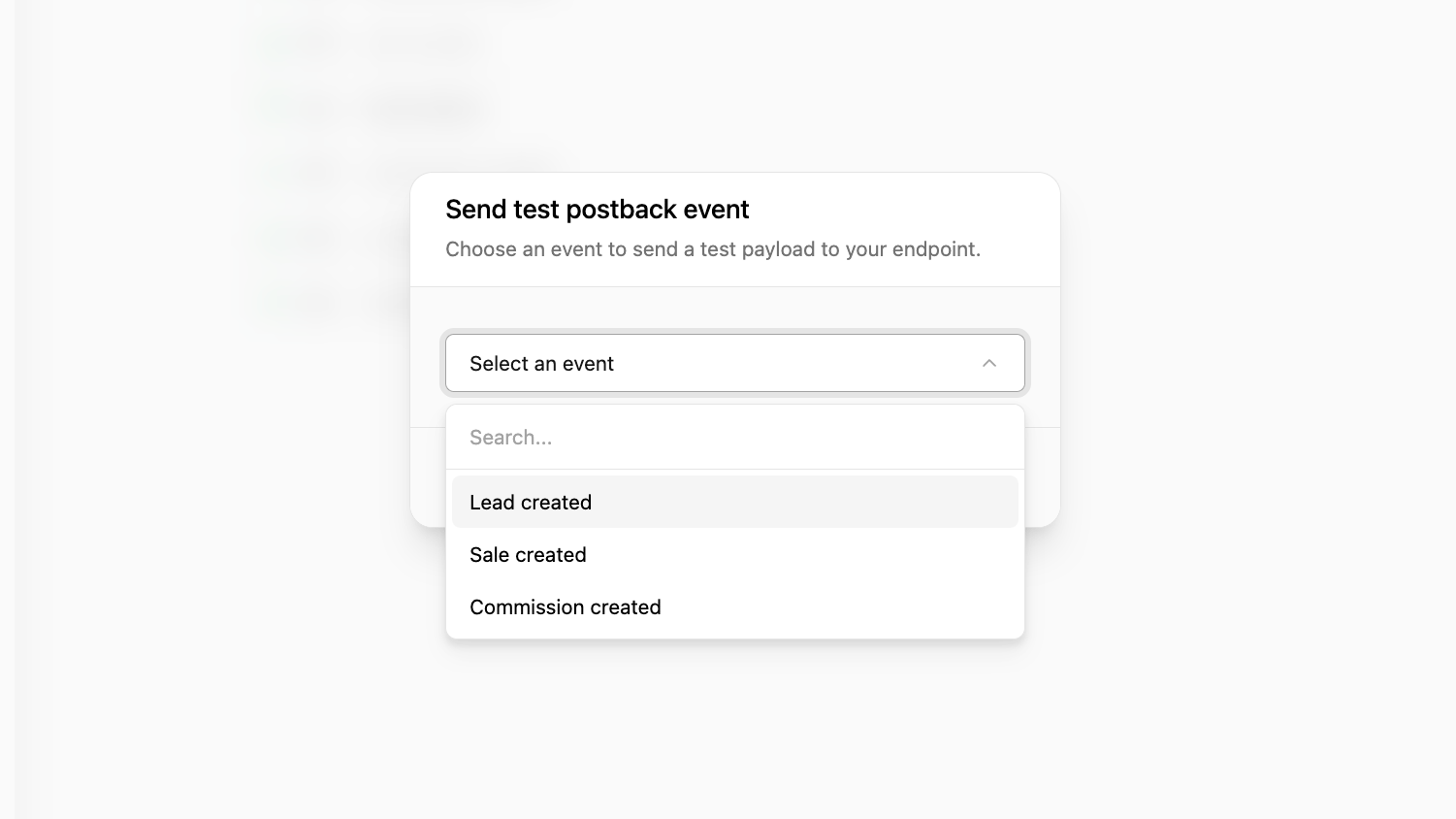
⋮ icon on the top right of the page, and click on Send test event.This will open up a modal where you can select the event you want to send.3
Send the test event
Select the event you want to send, and click on Send test postback.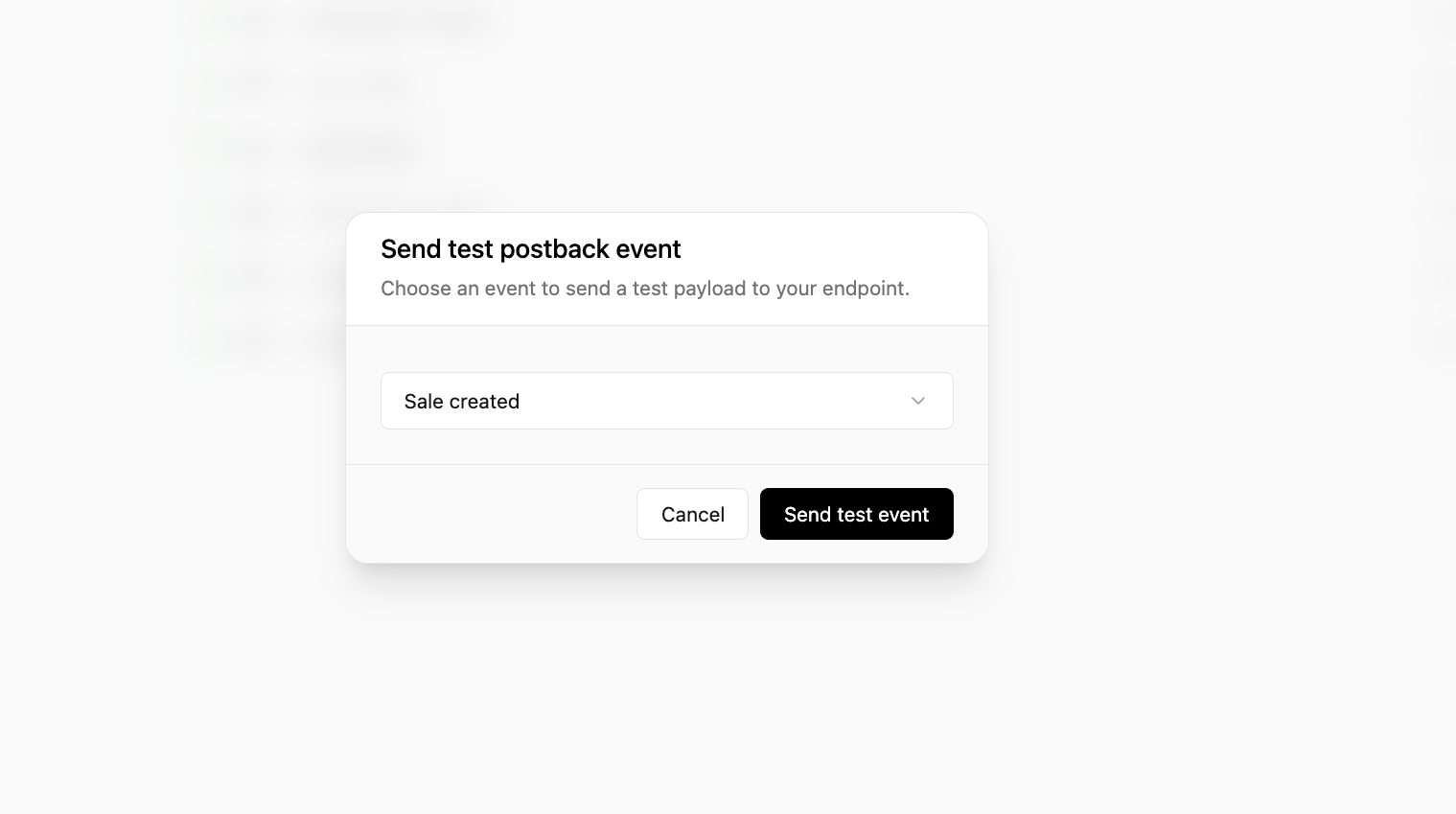
Secret rotation
If you need to rotate your postback signing secret (for example, after a suspected compromise), select the⋮ icon on the postback details page and click on Rotate secret. A new secret will be generated.